Case study · 03 / 04

Scan to
Insure.

20 screens. 6 screens. A 2-week sprint — and immediate stakeholder approval.

Mobile-First Sole Designer CURE Auto Insurance
Role
Sole UX/UI Designer
Company
CURE Auto Insurance
Timeline
2-Week Design Sprint
Platform
Mobile-First
Tools
Figma · High-Fi Prototyping
— 01 / Context

A quote flow rebuilt around the fastest possible path to a price.

Every extra screen is a drop-off opportunity. CURE had twenty of them.

CURE Auto Insurance was investing in a Driver's License Scan feature as a differentiator — a capability that let users capture their personal information automatically rather than typing it manually. My job was to design an experience that made this feature feel fast, intuitive, and trustworthy.

But a new feature dropped into an old, broken flow wouldn't deliver its full value. The experience around it needed to be rebuilt to match the ambition of the feature itself.

20→6
Screens in the redesigned flow — a 70% reduction achieved in a 2-week design sprint.
2wks.
From kickoff to immediate stakeholder approval — then greenlit for development.
The 20 → 6 Transformation Old flow and new flow side by side — the structural reduction made visible at a glance.
The most important number in this project isn't visual — it's structural. 20 screens became 6.
— 02 / The Problem

Filling out a form at a DMV, not signing up for a modern product.

The existing Quick Quote flow required users to input every piece of personal information by hand — name, date of birth, address, license number, vehicle details — spread across a fragmented, outdated interface.

CURE's Customer Experience team had already validated the problem through internal research before I joined the project: the information entry phase was the highest point of user drop-off in the entire funnel. The directive was clear — reduce the number of screens, reduce friction, and modernize the experience.

Before — Old Flow 20 screens of manual entry. Same fields repeated across different screens. Users tapping their way through a fragmented form.
The Old Experience

Felt like work.

20 screens, redundant fields, no progress sense, ends by telling you to call the office.

After — Redesigned Flow 6 screens. Scan your license, confirm pre-populated fields, reach a quote. Done.
The New Experience

Felt like the product working for you.

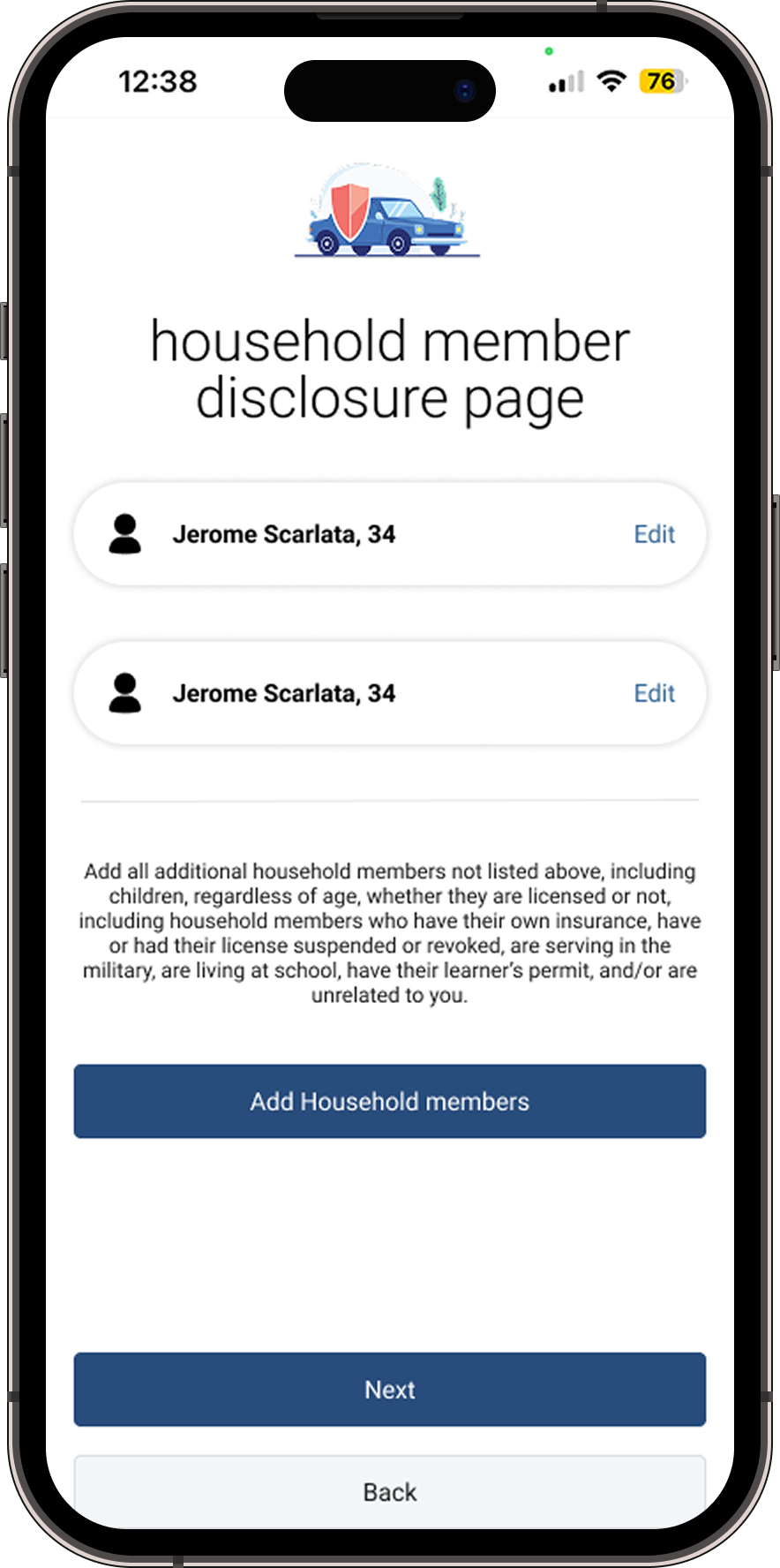
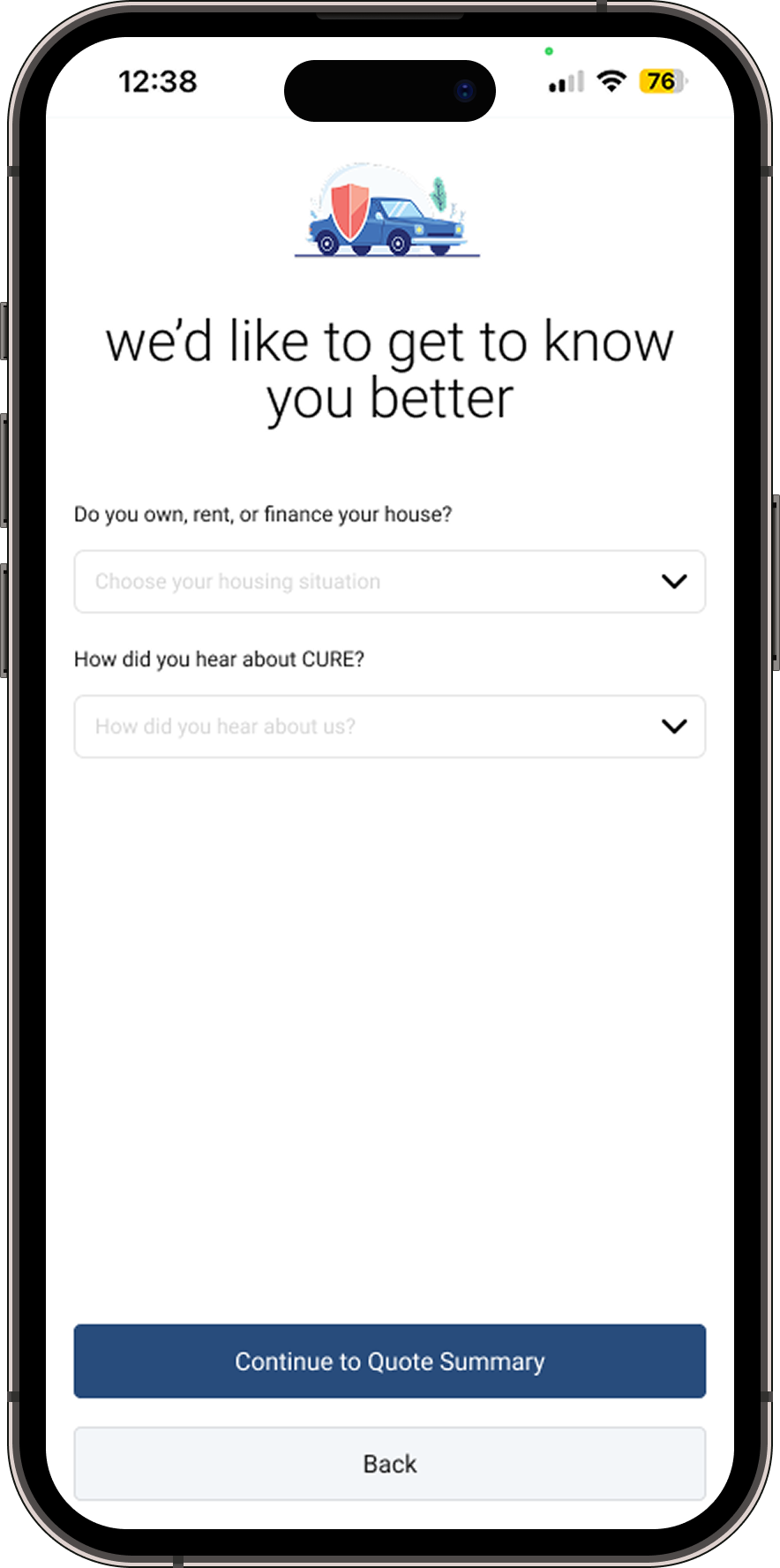
Scan → confirm → quote. Personal data pre-filled. Remaining inputs grouped logically.

How might we

…make scanning a driver's license feel like the natural, obvious way to start a quote?

— 03 / Design Process

Start with the scan — work backwards from what it eliminates.

The Driver's License Scan was the key unlock. I started by mapping exactly what data a scanned license could capture, then designed the remaining flow around only what was left.

What the scan captures automatically:

  • First Name, Middle Initial, Last Name
  • Gender
  • Date of Birth
  • Address & Zip Code
  • Driver's License Number & Status

The remaining fields — phone number, marital status, email, and vehicle information — were grouped logically into a streamlined set of remaining inputs. What previously required 6+ dedicated screens collapsed into one confirmation and one continuation.

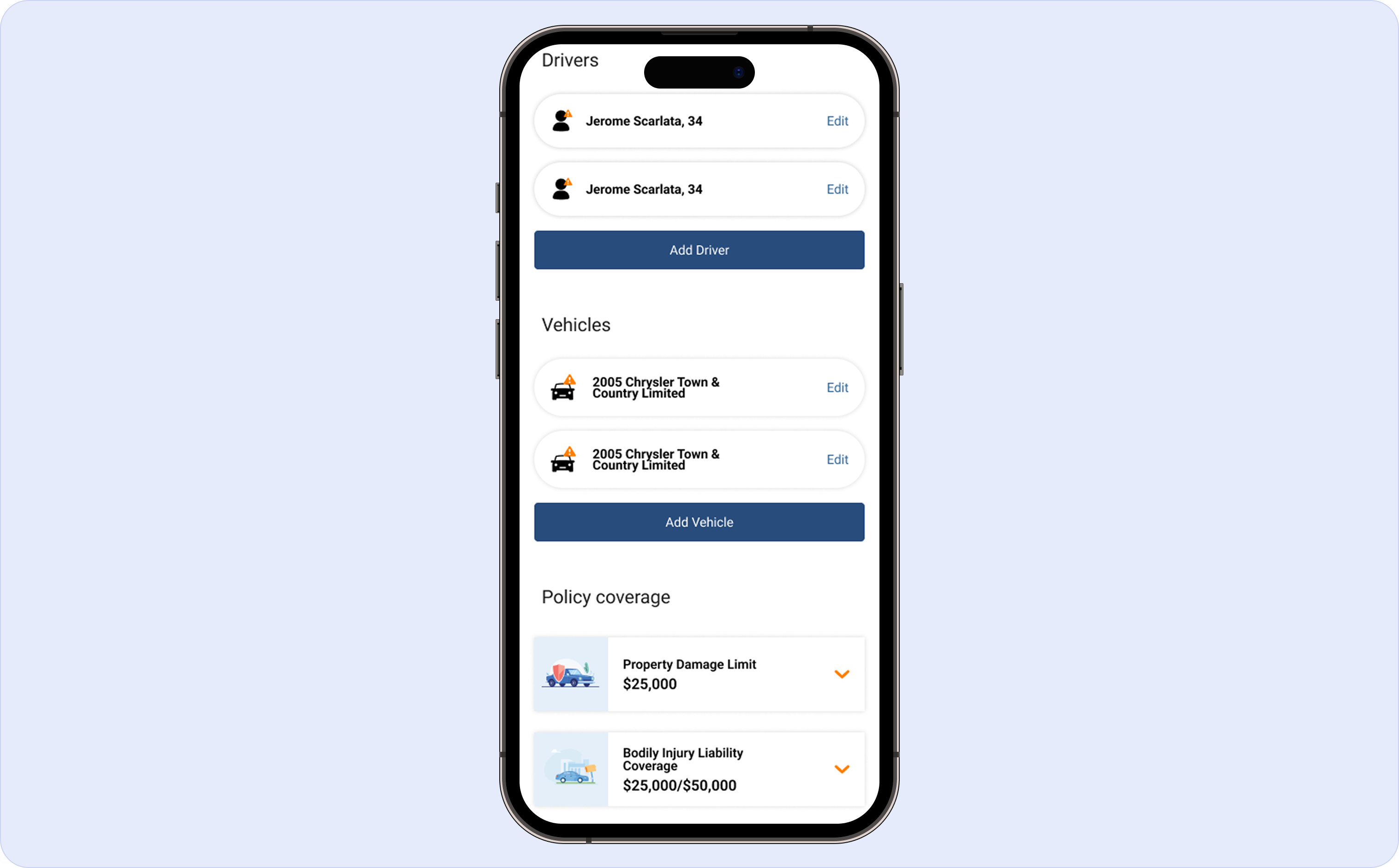
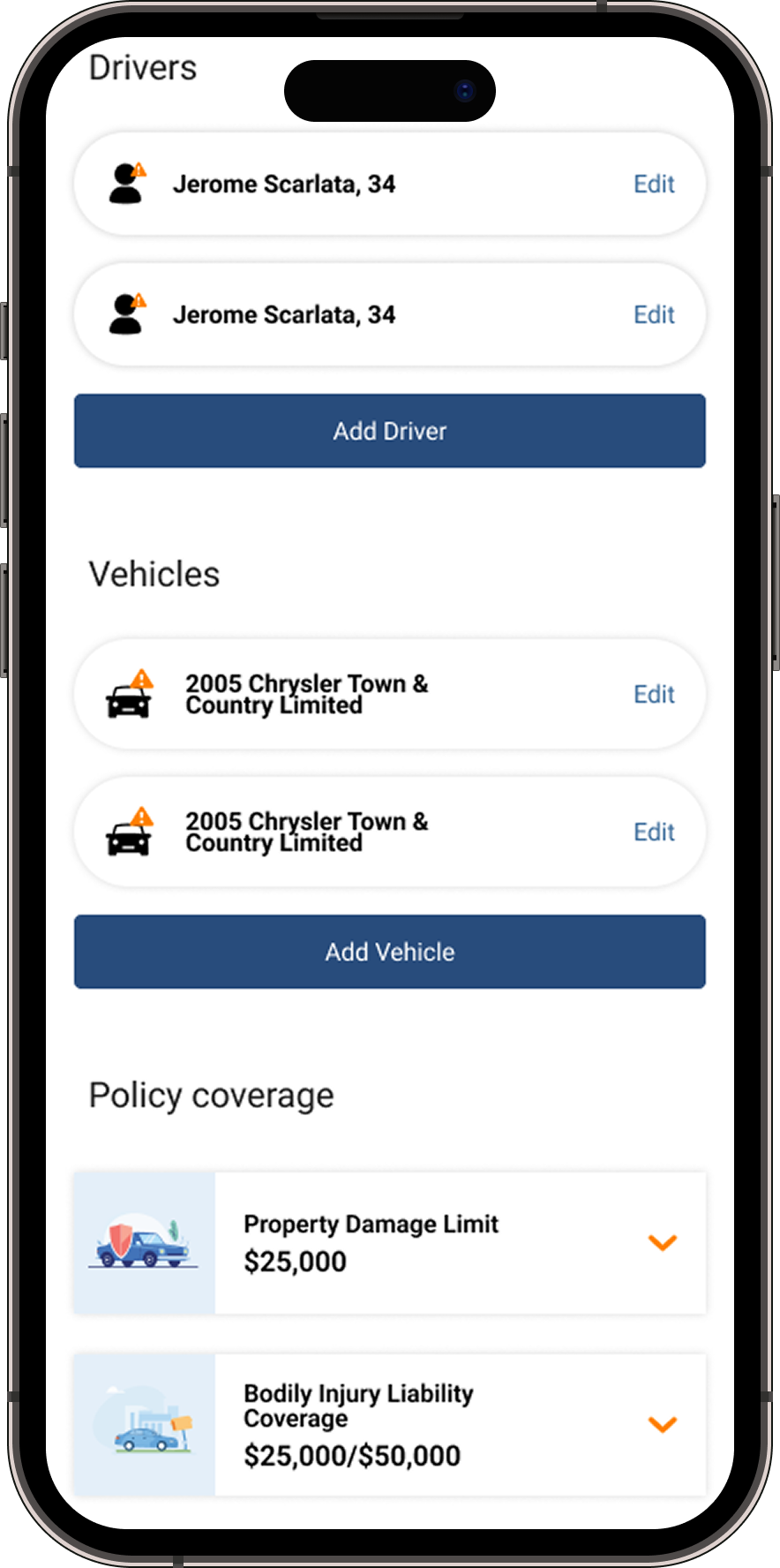
The most significant structural decision was consolidating Drivers, Vehicles, and Policy Coverage into a single screen. Previously, users had to navigate back and forth between separate sections. One screen, full context, no round-trips.

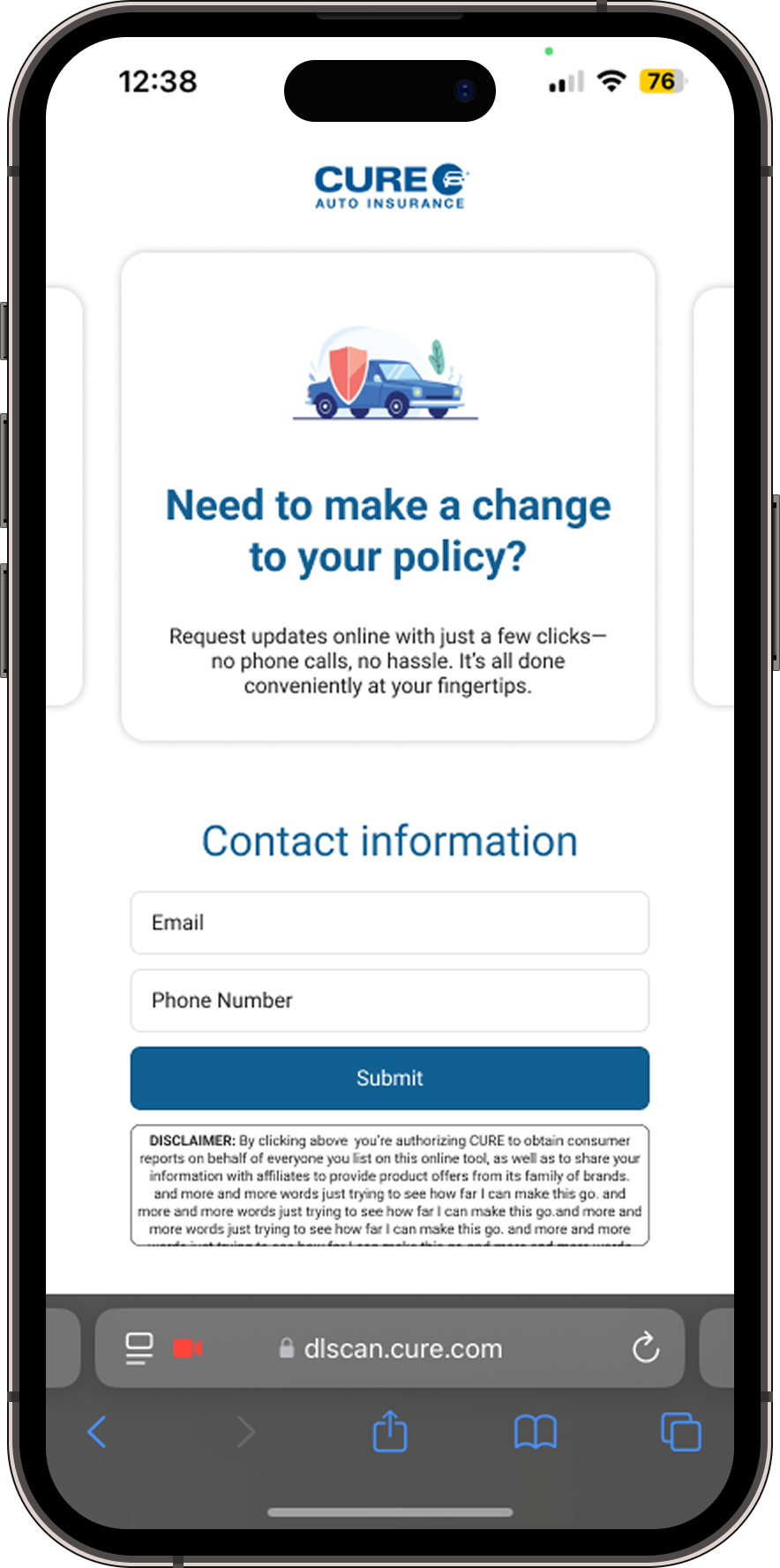
Scan Feature — UX States Prompt screen → camera capture → confirmation with pre-populated fields → correction state. All three states designed.
The scan feature was powered by a third-party API — my design work focused entirely on the before and after states: how we primed users to use it, what it populated, and how we handled confirmation and correction.
— 04 / Key Decisions

Evolution, not reinvention.

Early prototypes pushed too far outside CURE's visual identity. Stakeholder feedback was clear: the product should feel improved, not unrecognizable. Rather than fighting that constraint, I focused on structural improvements — how information was grouped, how many decisions users faced per screen, how clearly the interface communicated progress.

Decision 01

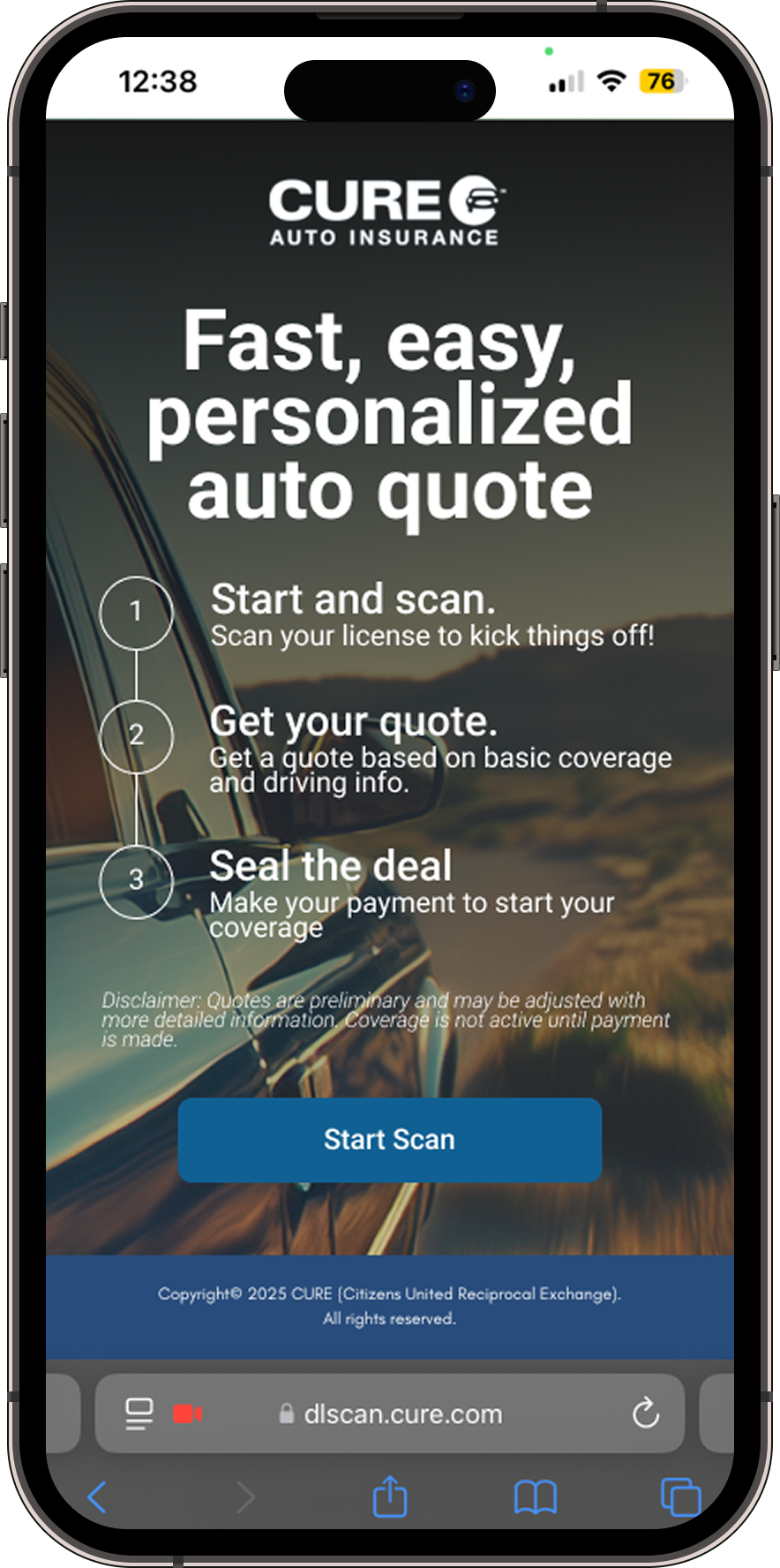
Make the scan the obvious path, not an option.

The original flow treated the scan feature as an afterthought — a secondary button below the primary "Continue Manually" action. Users would default to typing because typing was what the design was asking them to do.

The redesigned entry screen leads with the scan. It's described, it's prominent, and the manual path is clearly secondary. The hierarchy communicates the recommendation without hiding the alternative.

Start Your Quote — Entry Screen Scan featured prominently. Manual entry clearly secondary. Hierarchy communicates the recommendation.
Design hierarchy is a recommendation. Leading with the scan makes the faster path the obvious one.
Decision 02

One screen for drivers, vehicles, and coverage.

In the original flow, users managed drivers, vehicles, and coverage in separate sections — navigating back and forth to make changes, losing context with every transition.

The consolidated screen surfaces all three simultaneously. Users can review their full quote setup in one place — reducing both the number of taps and the mental overhead of managing multiple views simultaneously.

Consolidated Quote Screen Drivers, vehicles, and coverage side by side. Full quote context in a single scrollable view.
The most significant structural decision — previously three separate navigational destinations, now one.
The best UX work often happens within constraints, not in spite of them. — Reflection on the Scan to Insure project
Decision 03

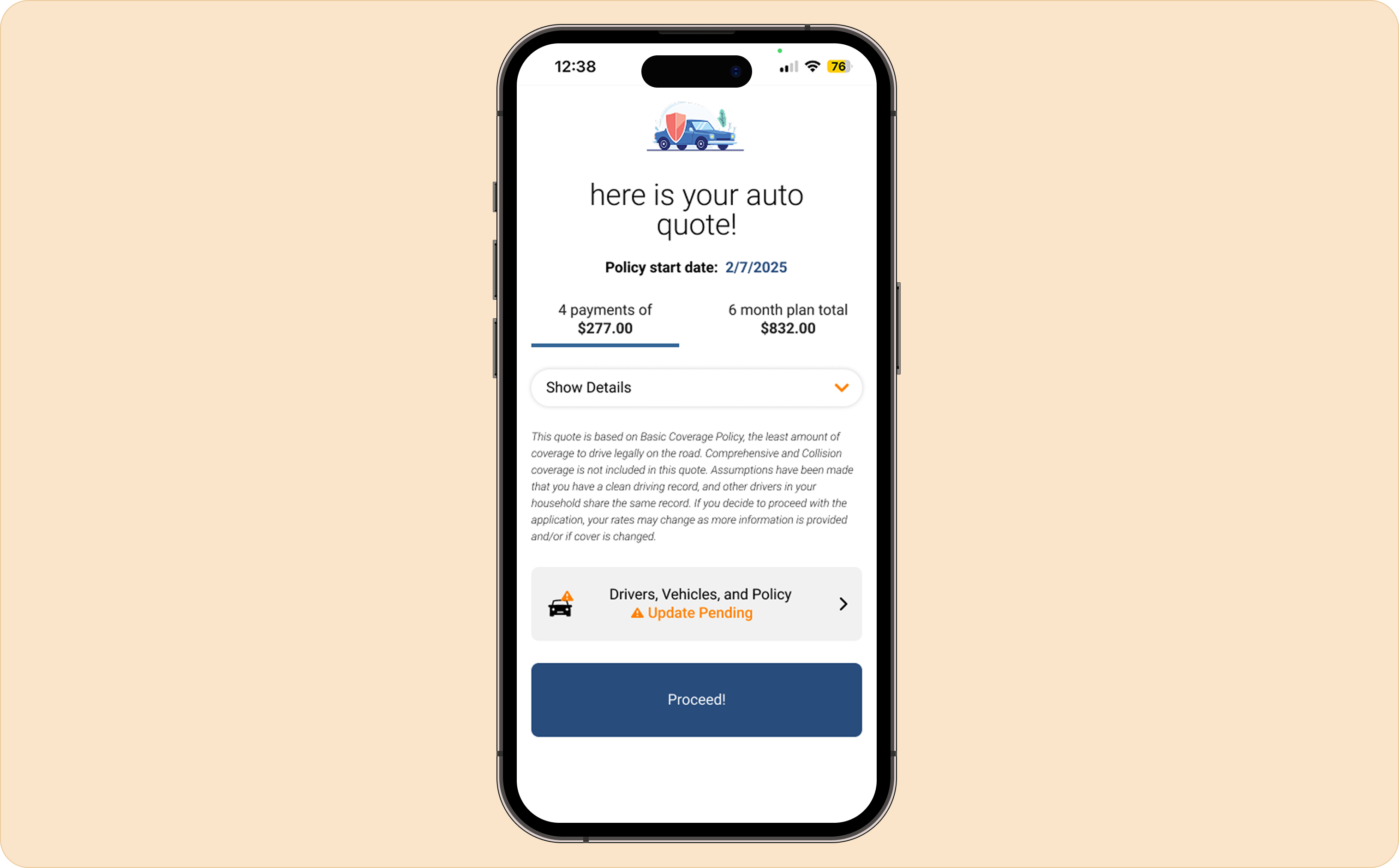
A quote summary with hierarchy, not a wall of text.

The old quote summary page was a wall of undifferentiated text — dense, flat, and hard to parse. There was no clear focal point. Users couldn't tell at a glance what their quote actually was.

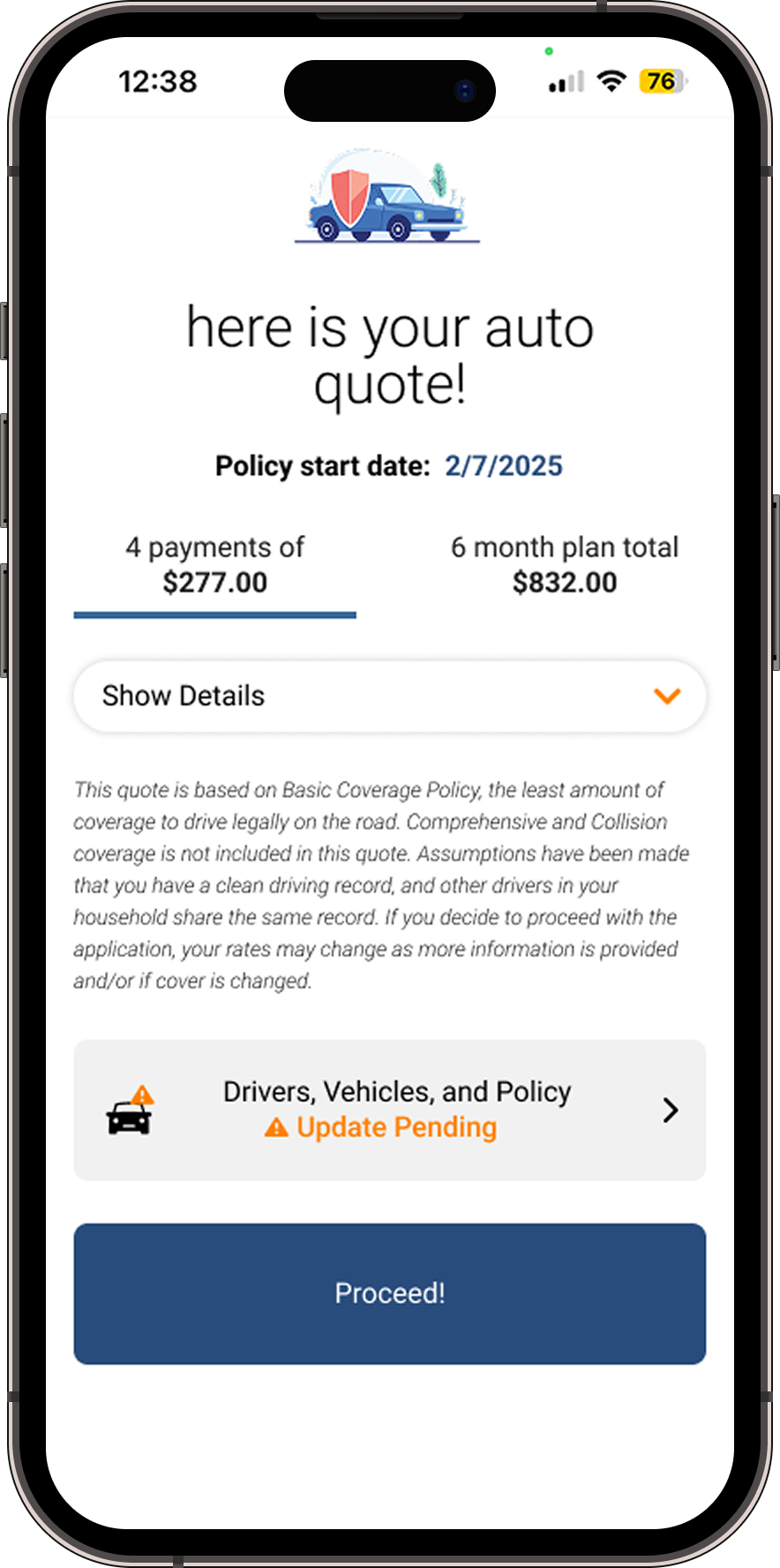
The redesigned summary page treats pricing as the hero. It's surfaced prominently, at the top, before anything else. Coverage details are organized into scannable sections. The quote feels like a product, not a printout.

Quote Summary — Before / After Wall of undifferentiated text (before) vs. clear pricing hierarchy with scannable coverage sections (after).
Visual hierarchy is not decoration — it's the difference between a user understanding their quote and abandoning it.
— 05 / Outcome

Immediate approval. Greenlit for development.

  1. 01

    Eliminated manual entry for all fields obtainable via Driver's License Scan — name, DOB, address, license number and status.

  2. 02

    20 screens reduced to 6 — a 70% reduction in the number of steps users need to reach a quote.

  3. 03

    Drivers, Vehicles, and Coverage consolidated onto a single screen — full quote context without multi-screen navigation.

  4. 04

    Quote summary redesigned with clear hierarchy and interactive controls — pricing surfaced as the hero, not buried in text.

  5. 05

    Delivered within a 2-week design sprint — received immediate stakeholder approval and was greenlit for development.

— 06 / Reflection

The best work happens within constraints, not in spite of them.

Being pushed back toward CURE's visual language didn't limit the design — it forced me to find improvements that were structural and behavioral, not just aesthetic. The end result was something that genuinely served users better without requiring them to learn a new product.

Working within a 2-week sprint also taught me how to make fast, confident structural decisions. When the timeline is tight, you learn which problems are actually worth solving first — and the answer is almost always: eliminate the biggest source of friction, then work outward from there.

If I were to continue iterating, I'd explore surfacing the scan feature even earlier in the flow — potentially as the primary entry point rather than an option — and run usability testing to measure actual completion rate improvements post-launch.

Next case study

Redesigning the portal that keeps policyholders.